
Software Download
Keep your VdiagTool devices up to date for the best performance and compatibility.
Regular software updates ensure smooth operation, enhanced features, and improved diagnostic accuracy.

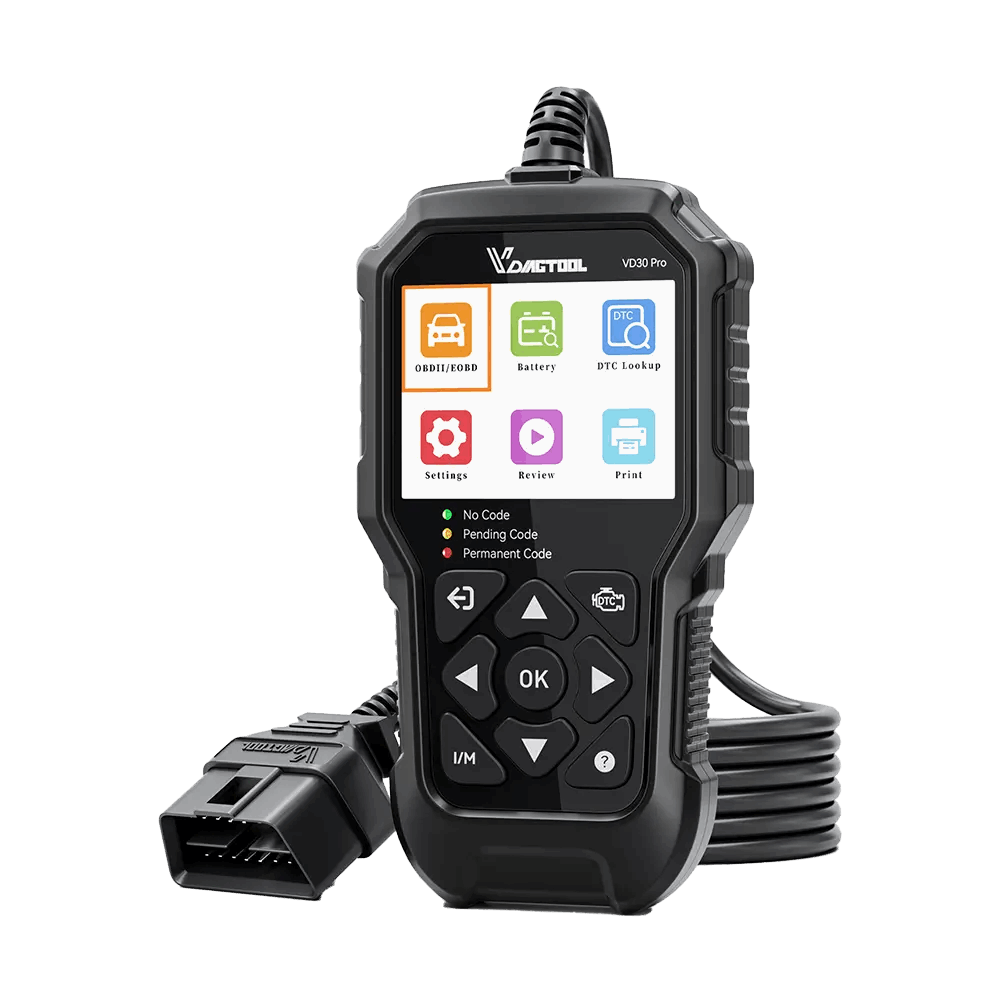
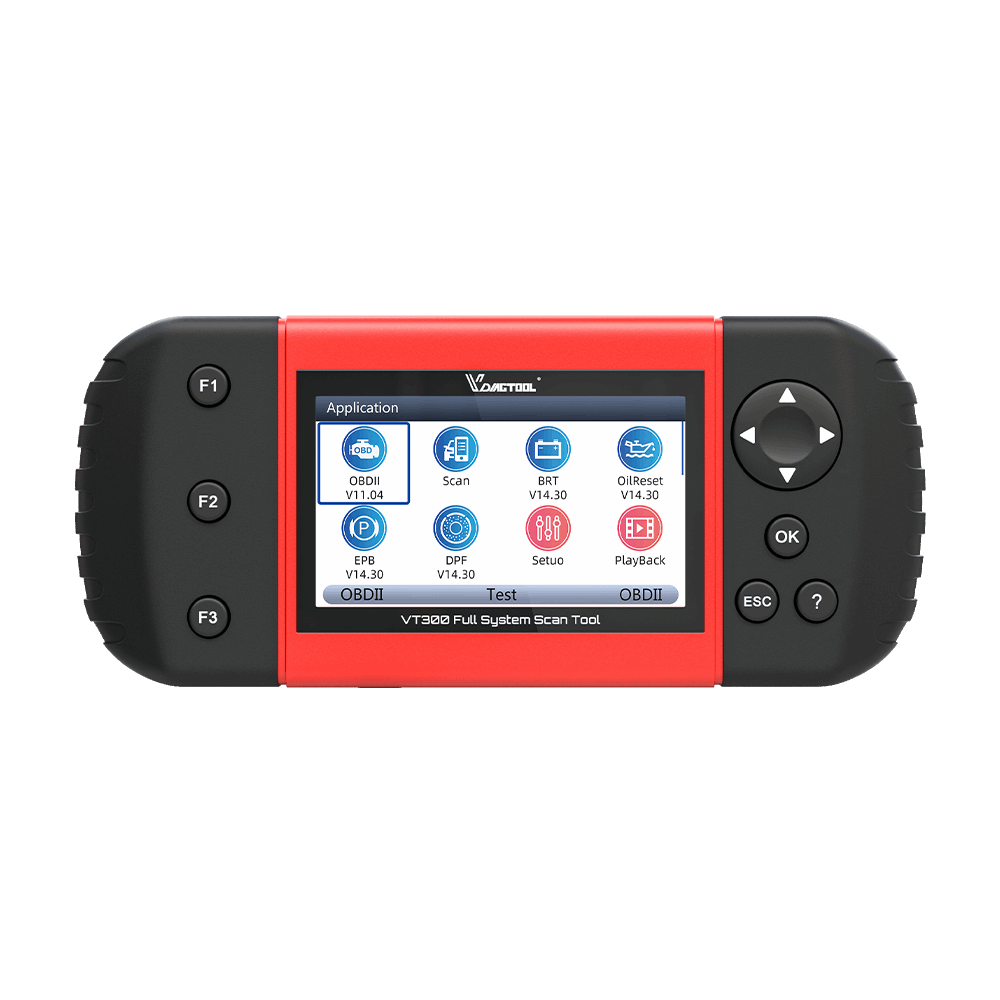

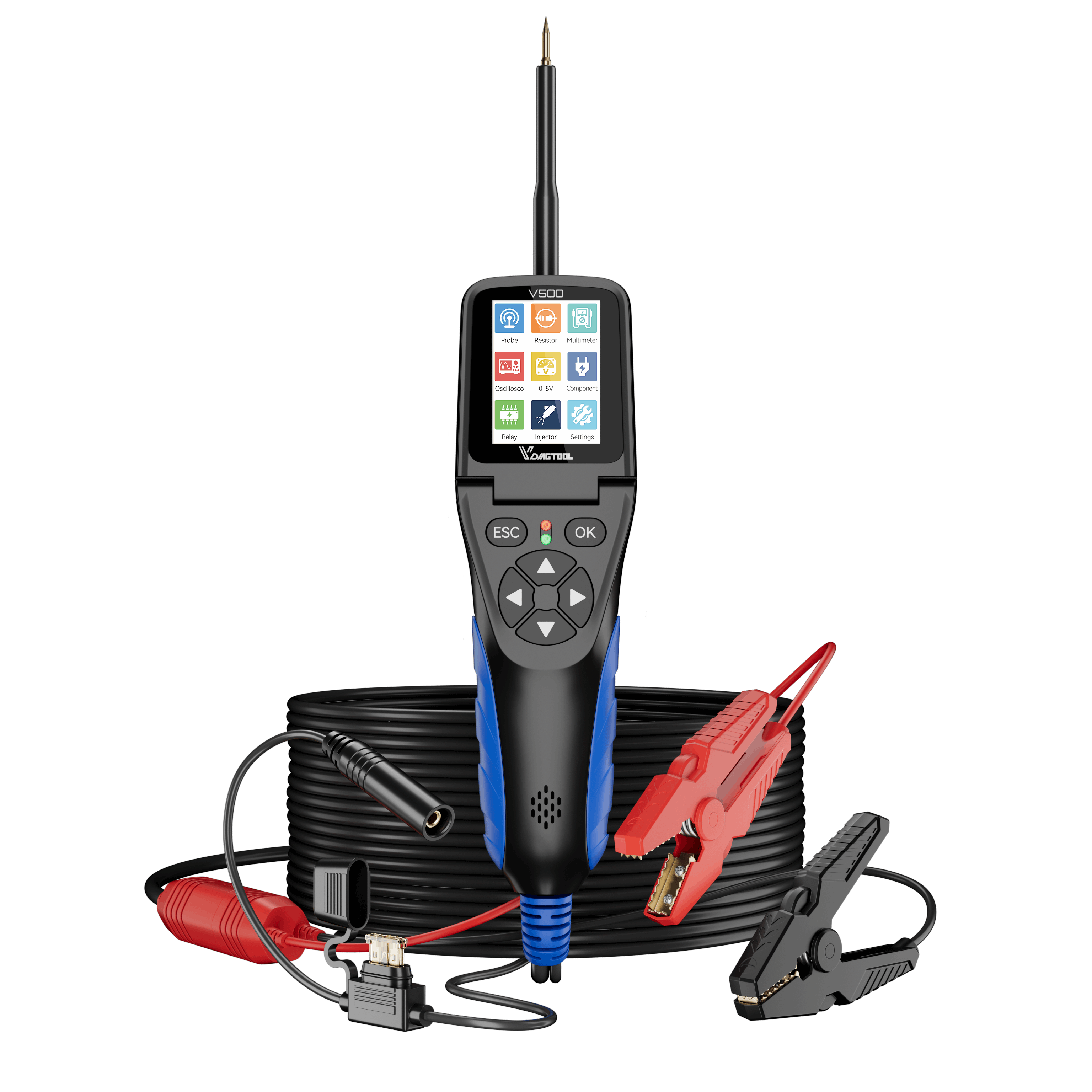


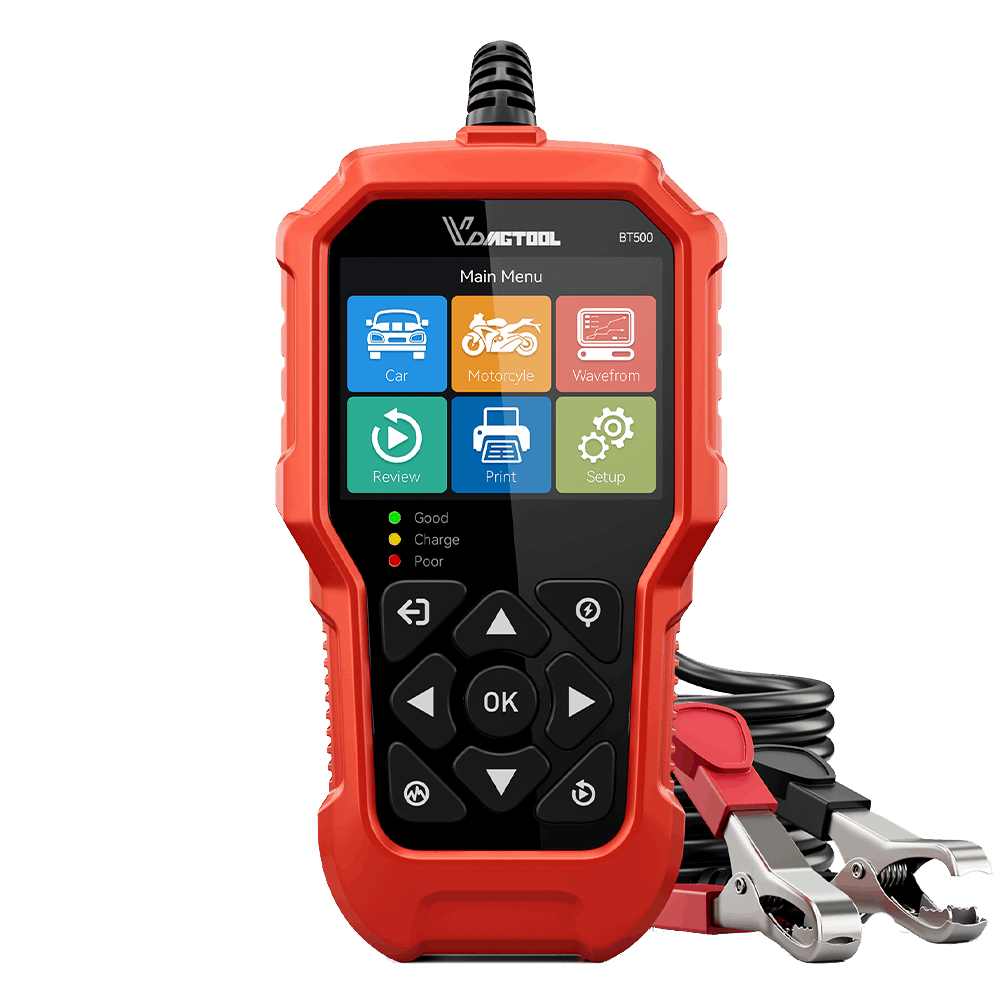
How to Update Your Device
Follow these steps to complete your software upgrade:
①Download the update file from the table above.
②Extract the ZIP file on your computer.
③Run the update tool included in the folder.
④Connect your device to your computer via USB/OBDⅡ Cable.
⑤Click “Update” and wait for the process to complete.
⑥Restart your device to apply the new software.
For a detailed tutorial, please visit our Step-by-Step Update Guide.
Troubleshooting Tips
If your update fails or freezes, please try the following:
①Make sure your USB/OBDⅡ cable is securely connected.
②Temporarily disable any firewall or antivirus software.
③Try using a different computer or USB/OBDⅡ port.
④Contact our support team for further assistance.
Our technical team is always ready to help you complete the update smoothly.